

Building a Mobile App That Users Abandon in 7 Days? Avoiding Costly UI/UX and Performance Mistakes
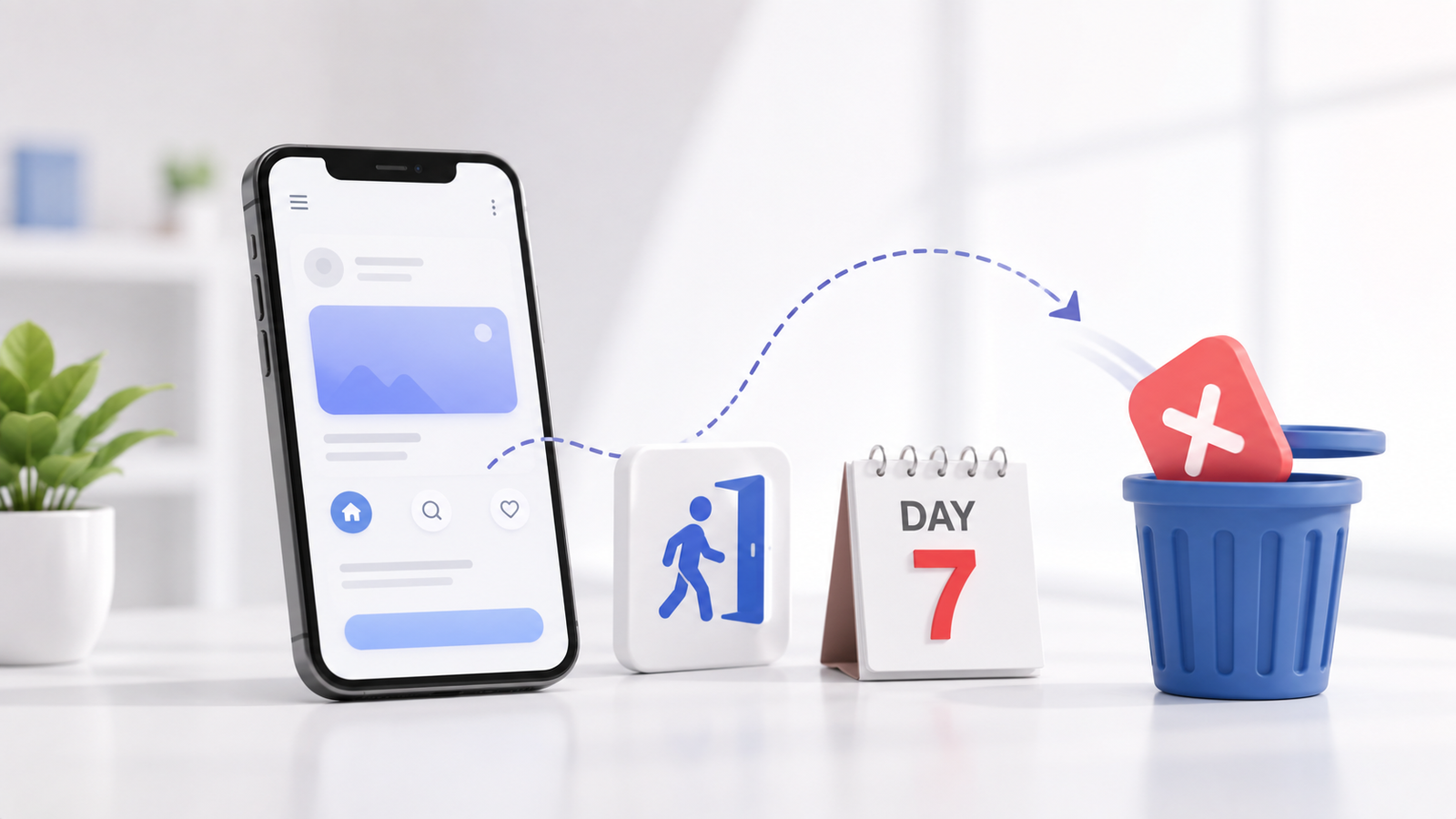
Launching a digital product requires substantial investment, strategic planning, and engineering effort. However, a significant number of applications suffer rapid post-launch churn, with users uninstalling or permanently abandoning the platform within their first week of download. When an application fails to engage users immediately, the financial and operational impact on business growth can be devastating.
Early user abandonment is rarely a random outcome. It is almost always the direct result of friction in the user journey, unintuitive visual hierarchies, slow performance, or backend instability. Engaging an experienced enterprise mobile app development agency allows organizations to address these structural risks early in the software lifecycle, ensuring that user interface (UI) design, user experience (UX) flows, and application architecture support long-term user retention.
Users abandon mobile applications within the first 7 days primarily due to cumbersome onboarding processes, unintuitive visual navigation, unexpected application crashes, and sluggish execution speed. Preventing early churn requires streamlining user journeys, reducing initial friction, optimizing front-end assets, ensuring robust API communication, and testing execution across target devices before release.
Table of Contents
- The First 7 Days: Why Early Mobile App Retention Fails
- Critical UI/UX Flaws That Force Immediate Churn
- Performance Bottlenecks That Ruin User Experience
- How an Enterprise Mobile App Development Agency Mitigates Risk
- Strategic Solutions for Core Application Pitfalls
- Engineering Best Practices for Long-Term Engagement
- Conclusion
The First 7 Days: Why Early Mobile App Retention Fails
The initial week of user interaction defines the lifetime value of a mobile product. When a user downloads a application, they expect immediate value, clarity, and continuous speed. If the onboarding process introduces unnecessary hurdles, the user’s perception degrades instantly, leading to abandonment before core features are ever discovered.
One primary catalyst for immediate uninstalls is forcing complex registration forms before showcasing basic utility. Asking users to create accounts, verify emails, or grant intrusive permissions before experiencing core functionalities creates instant resistance. Modern digital consumers favor frictionless entry points, subtle progressive profiling, and immediate task fulfillment.
Critical UI/UX Flaws That Force Immediate Churn
Visual aesthetics alone cannot keep users engaged if the interface layout confuses the user journey. High abandonment rates frequently stem from underlying usability breakdown. When navigational pathways are inconsistent or visually cluttered, cognitive load increases, resulting in frustration.
Unclear Visual Hierarchy and Cluttered Layouts
Attempting to display every feature on the primary screen overwhelms the user. A strong UI design utilizes white space, contrasting typography, and focal points to guide the eye toward primary actions. Without clear visual priority, critical Call-to-Action (CTA) elements blend into secondary content, slowing down task completion.
Inconsistent Navigation Patterns
Mobile users rely on established navigational standards, such as predictable bottom tab bars, back-button behaviors, and gesture controls. Deviation from these conventions without clear visual cues forces users to relearn basic interaction patterns. When navigation feels unpredictable, users lose confidence in the reliability of the application.
Lack of Interactive Feedback
Every touch interaction requires system acknowledgment. If a button tap does not visually register instantly—through state changes, micro-animations, or skeleton loaders—users assume the application is frozen. This leads to repeated taps, accidental double submissions, or sudden exit behavior.
Performance Bottlenecks That Ruin User Experience
Flawless visual design cannot rescue an application hampered by technical performance issues. Technical stability directly influences user trust. If an application experiences slow screen transitions, battery drain, or unexpected crashes, users immediately seek alternative solutions.
Performance flaws often materialize as network latency, unoptimized media assets, memory leaks, or poorly structured API payloads. Implementing scalable, professional app development services ensures that data fetching, local state management, and asset rendering operate efficiently under varying network environments.
- Slow Initialization and Boot Time: Extended cold starts test user patience before the application dashboard even renders.
- Excessive Resource Consumption: Unoptimized background sync operations and heavy animations drain device battery life and cause thermal throttling.
- Unchecked Application Crashes: Unhandled exceptions during peak concurrency or offline mode transitions severely degrade brand reputation.
- Unresponsive Touch Targets: Misaligned gestures or main-thread blocking operations lead to perceived hardware lag.
How an Enterprise Mobile App Development Agency Mitigates Risk
Preventing digital product failure requires bridging the gap between design concepts and robust engineering execution. Enterprise software engineering emphasizes scalable software architecture, comprehensive testing suites, automated deployment pipelines, and thorough UI research.
Partnering with a specialized team ensures that application design aligns with real-world infrastructure demands. Digifier Web Technologies LLP applies structured development protocols that unify intuitive interface architecture with resilient cloud backend services, eliminating performance bottlenecks before applications reach target app stores.
When building complex digital platforms, organizations must also evaluate integration requirements with external business systems. Ensuring smooth data synchronization between enterprise apps and existing custom business software solutions minimizes processing latency, maintaining consistent response times across mobile interfaces.
Strategic Solutions for Core Application Pitfalls
Addressing abandonment requires actionable solutions tailored to specific development phase failures. The technical strategy below maps common failure points directly to sustainable solutions.
Engineering Best Practices for Long-Term Engagement
Retaining users beyond the initial 7-day period requires aligning design clarity with robust system design. Technical teams must focus on proactive optimization rather than reacting to negative post-launch store reviews.
- Adopt an Offline-First Architecture: Implement local caching and background synchronization databases so users can interact with core screens regardless of temporary network drops.
- Streamline API Payloads: Optimize backend endpoint responses to return only necessary data fields, reducing data transfers and accelerating rendering speed.
- Prioritize Micro-Interactions: Subtle visual cues, touch-response animations, and smooth transitions build an intuitive environment that feels responsive to every gesture.
- Conduct Real-Device Continuous Testing: Avoid relying solely on desktop emulators. Test execution speeds, gesture responses, and layout scalability across varied device hardware and screen sizes.
Conclusion
Preventing mobile app abandonment within the first 7 days requires balancing intuitive user interface design with high-performance application engineering. Unclear navigation, sluggish initialization times, intrusive onboarding, and application instability undermine user trust, driving early uninstalls before value can be established.
By eliminating friction in the onboarding phase, optimizing UI layouts, and maintaining strict execution performance standards, organizations can dramatically improve long-term user retention. Engaging a seasoned enterprise mobile app development agency helps establish resilient product foundations, ensuring that your application consistently engages, retains, and delivers value to users over time.