


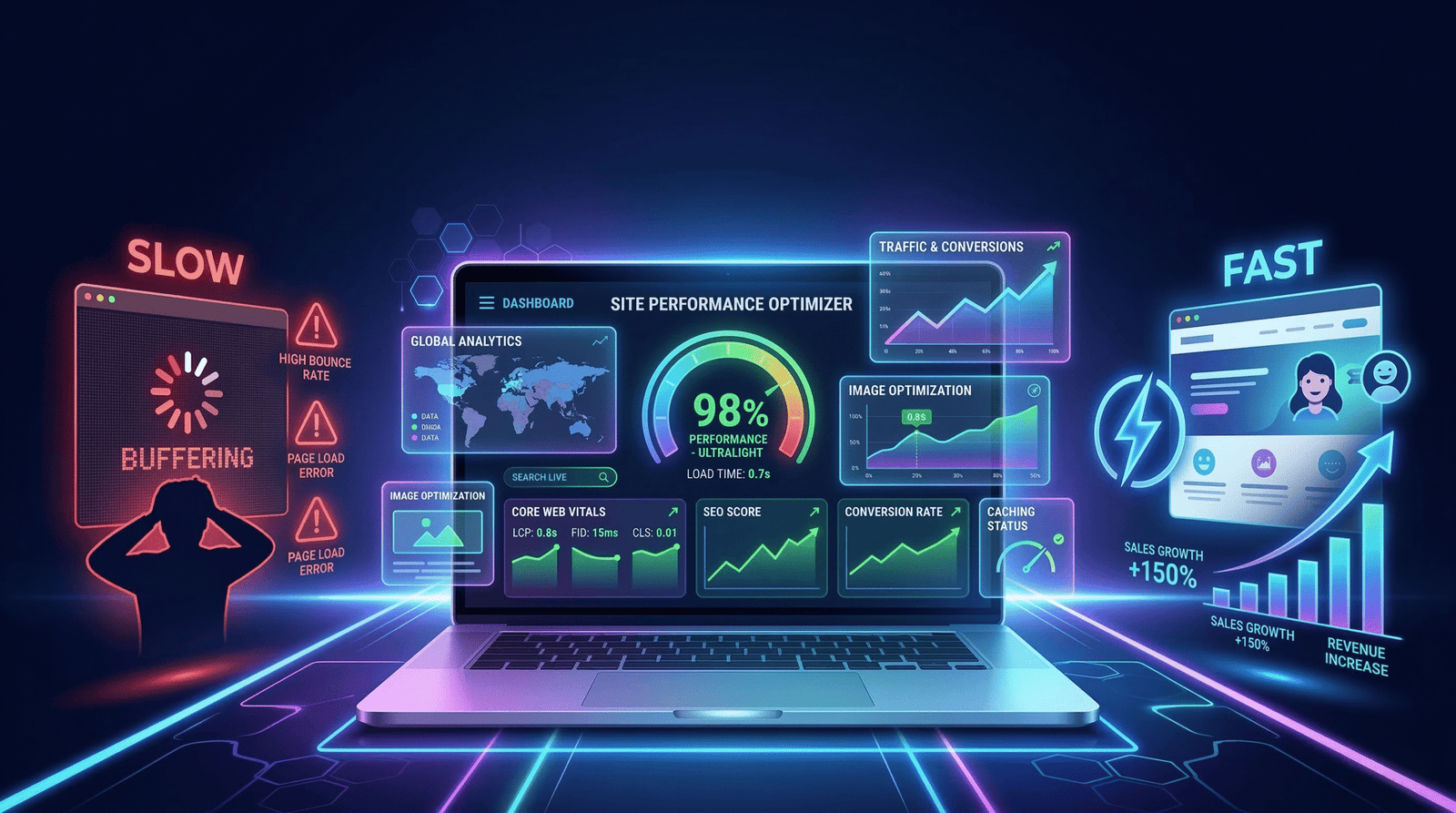
Is Your Slow Website Quietly Killing Sales? The Performance Optimization Blueprint for Higher Conversions
Meta Description: A slow website costs you more than you think — in lost sales, wasted ad spend, and lower Google rankings. Learn the exact performance optimization blueprint to improve website speed, reduce bounce rate, and increase conversions.
Introduction: The Leak You Cannot See
Your ads are running. Your product is solid. Your copy is clean. And still, sales are underperforming.
Before you restructure your funnel or hire another media buyer, check something most business owners overlook entirely: how fast does your website actually load?
Website speed optimization is not a developer’s concern tucked away in the backend. It is a direct revenue lever. Every second of delay between a visitor’s click and your page appearing on screen is a window for doubt to creep in — and for that visitor to leave. The uncomfortable truth is that your website may be undoing everything your marketing has worked to build, one slow load at a time.
This is not a technical problem. It is a business problem. And it has a clear solution
Why Speed Is a Sales Variable, Not a Technical Detail
When someone clicks your ad or finds you on Google, the first thing they experience is not your headline, your offer, or your brand story. It is wait time.
Google’s own research into mobile user behavior established a clear pattern: the likelihood of a bounce increases sharply as page load time grows past the two-second mark. By the time a page takes five seconds to load, a significant portion of visitors have already gone. They did not reject your offer. They never saw it.
For e-commerce stores, this matters at the product level too. Slow product pages, lagging checkout flows, and hesitant cart interactions each introduce friction that converts impatience into abandonment. A shopper who was ready to buy becomes a shopper who decided not to bother.
Page load time is not a metric to monitor passively. It is a conversion variable to optimize aggressively.
The Hidden Costs: SEO, Ads, and User Trust
Slow performance does not stay contained to user experience. It spreads upstream into every channel you invest in.
Search Rankings: Google officially uses Core Web Vitals as a ranking signal. A technically underperforming website competes at a disadvantage in organic search, regardless of content quality or backlink authority. You may be producing excellent content that simply never reaches the audience it deserves because your site’s performance signals are weak.
Paid Advertising: This is where slow load times become genuinely expensive. Every click you pay for — on Google Ads, Meta, or any other platform — costs the same whether that visitor converts or bounces in three seconds. Google’s Quality Score algorithm also factors in landing page experience, which means poor performance can raise your cost per click while reducing your impression share. You end up paying more to reach fewer people with lower odds of converting them.
Brand Credibility: Users make snap judgments about brand trustworthiness based on digital experience. A website that loads instantly communicates operational confidence. One that stalls and stutters communicates the opposite. For any business selling on trust — high-ticket products, professional services, premium e-commerce — this perception gap is a direct obstacle to conversion.
The cost of a slow website is not just in bounce rate data. It is in wasted ad budget, suppressed organic rankings, and customers who quietly chose a competitor instead.
Core Web Vitals: What They Are and Why They Matter
Google measures your site’s real-world user experience through a set of standardized metrics called Core Web Vitals. You do not need to be a developer to understand what they track.
Largest Contentful Paint (LCP) measures how quickly the main visible content — typically a hero image or primary heading — loads for the user. A strong LCP is under 2.5 seconds. It represents perceived speed: how fast does the page feel?
Interaction to Next Paint (INP) measures how responsive your page is to user actions like clicks, taps, and form inputs. A sluggish INP makes the page feel broken or unresponsive. Target under 200 milliseconds.
Cumulative Layout Shift (CLS) measures visual stability. If your page elements jump around as content loads — shifting buttons, moving text blocks — that is layout instability. It causes accidental clicks, user frustration, and fast exits. A strong CLS score is under 0.1.
These three metrics are your performance scorecard. They are measurable, improvable, and directly connected to both your Google rankings and your on-site conversion rate.
The Performance Optimization Blueprint
This is a practical, sequential framework to improve website performance without guesswork.
1. Measure First. Use Google PageSpeed Insights and Google Search Console’s Core Web Vitals report to establish baseline scores. Identify which pages have the worst field data — these are your highest-priority targets.
2. Compress and Convert Images. Images are frequently the heaviest assets on any page. Compress all images without sacrificing visible quality, convert them to modern formats like WebP or AVIF, and serve them at the correct display dimensions. For Shopify and WordPress stores with product galleries, this step alone can substantially reduce page weight.
3. Eliminate Render-Blocking Resources. JavaScript and CSS files that load before your page content block rendering. Audit which scripts are essential on initial load and defer or asynchronously load everything else — including third-party tools like chat widgets, heatmaps, and tracking pixels.
4. Enable Caching and a Content Delivery Network (CDN). A CDN stores static assets on globally distributed servers, reducing the distance data travels to reach your users. Browser caching ensures returning visitors load your site faster. These two infrastructure decisions reduce load time across every session.
5. Reduce Plugin and Script Bloat. Every unnecessary plugin or third-party script added to your site carries a performance cost. Conduct a quarterly audit of your integrations. Remove anything that does not directly contribute to revenue or essential functionality.
6. Optimize for Mobile Independently. Mobile and desktop are different performance environments. Your mobile visitors are often on variable network connections, smaller processors, and touch interfaces. Test and optimize for mobile as a distinct experience, not as a scaled-down version of desktop.
7. Monitor on an Ongoing Basis. Performance degrades as sites grow. New content, new plugins, and new third-party scripts accumulate. Set up continuous monitoring so degradation is caught early rather than discovered after it has already damaged rankings and conversions.
Common Mistakes That Keep Businesses Stuck
The most damaging mistake is treating performance optimization as a one-time task. It is an ongoing discipline. Sites that stay fast are sites with ongoing maintenance, not sites that were optimized once two years ago.
The second mistake is optimizing for lab scores while ignoring real-world field data. A high PageSpeed score with poor Core Web Vitals field data in Google Search Console is not a win. Field data reflects what actual users experience across devices and network conditions — that is the number that matters.
The third mistake is investing in conversion rate optimization before fixing performance. Better headlines, redesigned layouts, and A/B tests all deliver diminishing returns if your pages lose users before they fully load. Performance is the foundation. Everything else builds on top of it.
Your Next Move Starts Here
A slow website is not a minor inconvenience. It is a structural drag on your entire digital operation — your ads, your SEO, your brand perception, and your bottom line.
The good news is that it is entirely fixable with the right audit, the right priorities, and the right execution partner.
Digifier works with e-commerce brands, Shopify and WordPress businesses, and growth-focused founders to turn underperforming websites into high-converting digital assets. We identify exactly what is slowing you down, quantify the business impact, and build a performance roadmap tied to your revenue goals.
Book a performance audit with Digifier today. Walk away with a clear diagnosis, a prioritized action plan, and the strategic foundation your business needs to grow faster. No generic reports. No vague recommendations. Just precision strategy built around your specific site and market.
Your website is running right now. The question is whether it is running for you.
FAQs
The relationship between page load time and conversion rate is well-documented in Google's own performance research. Even a one-second improvement in load time can produce a meaningful lift in conversions, particularly on mobile. The precise impact varies by industry, traffic source, and device mix — which is why a site-specific audit matters more than general benchmarks.
Not necessarily. PageSpeed Insights produces two types of data: lab scores (simulated) and field data (from real users). A strong lab score with poor field data means real users are experiencing worse performance than the test environment suggests. Always cross-reference with your Core Web Vitals report in Google Search Console before drawing conclusions.
Yes, directly. Google's Quality Score for search ads includes landing page experience as a factor, which is influenced by performance. Slow landing pages can increase your cost per click and reduce impression share. On Meta, slow load times raise effective cost-per-result by increasing the number of paid clicks that bounce before converting.
The most frequent culprits are unoptimized images, excessive third-party scripts (analytics, chat, review apps, tracking pixels), and plugin bloat. Shopify stores often suffer from theme-level JavaScript overhead and unnecessary app integrations. WordPress sites frequently struggle with shared hosting infrastructure and plugin conflicts that add significant load time.
Technical improvements like image compression and script deferral can show measurable impact within days, particularly in bounce rate and session duration data. SEO ranking improvements from Core Web Vitals optimization typically take four to twelve weeks to reflect in search visibility, depending on how frequently Google crawls your site and how competitive your keyword landscape is.Share